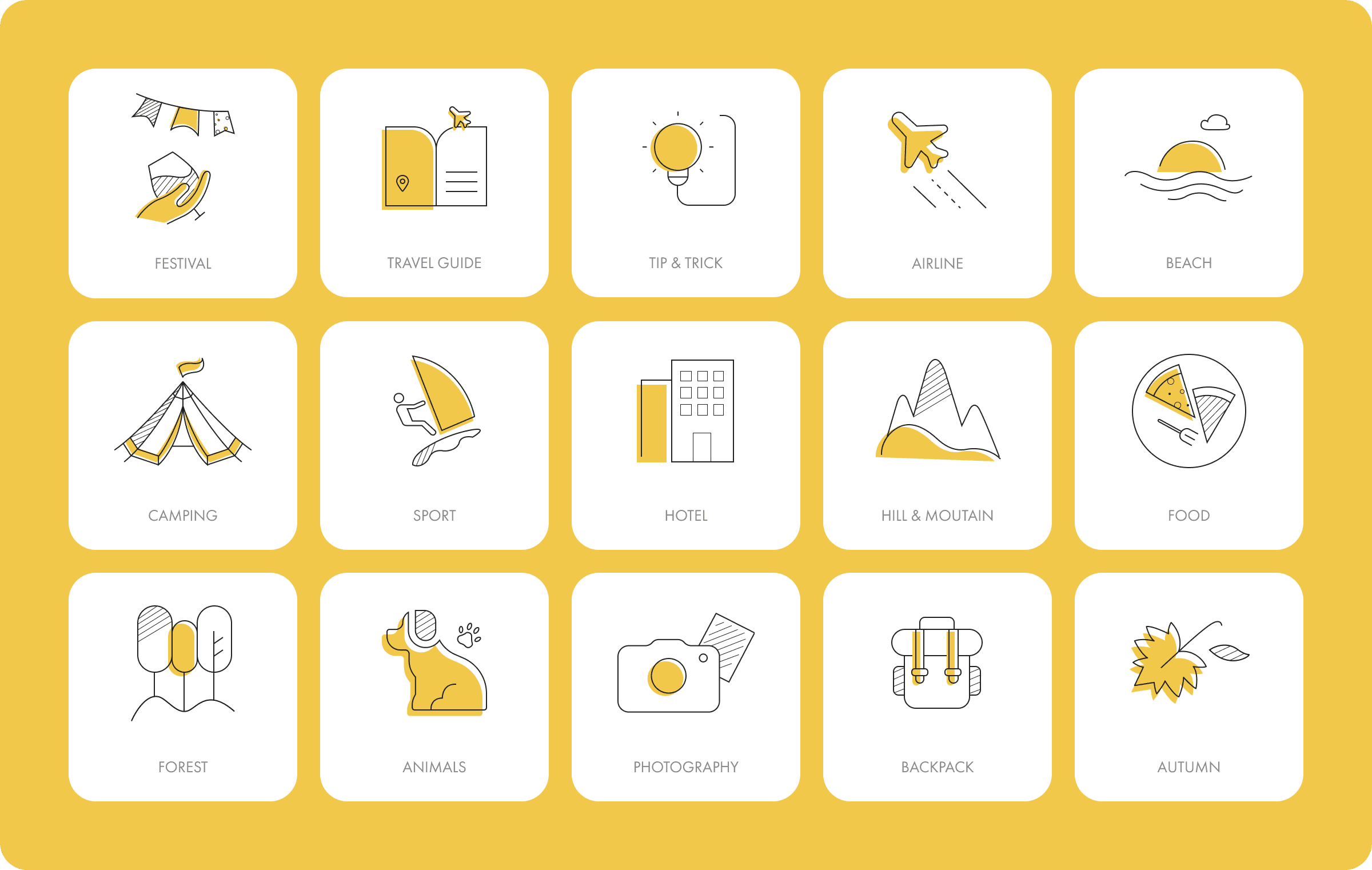
An Icon Set For A Product
Steps, tips, and icon systems designers actually use Icons look small — but in a real product, they carry a lot of responsibility. A good icon set doesn’t just “look nice.” It needs to be consistent, scalable, readable, and developer-friendly. Here’s how I usually approach creating an icon set for a product — plus a few things I wish I knew earlier.
1. Start with the system, not the icons
Before opening Figma, answer these questions:
Where will the icons be used?
(Navigation, buttons, empty states, diagrams, status indicators…)What sizes are required?
(16 / 20 / 24 / 32?)Outline or filled?
One color or multi-color?
📌 Tip:
If you don’t define the rules first, you’ll end up redesigning icons one by one later.
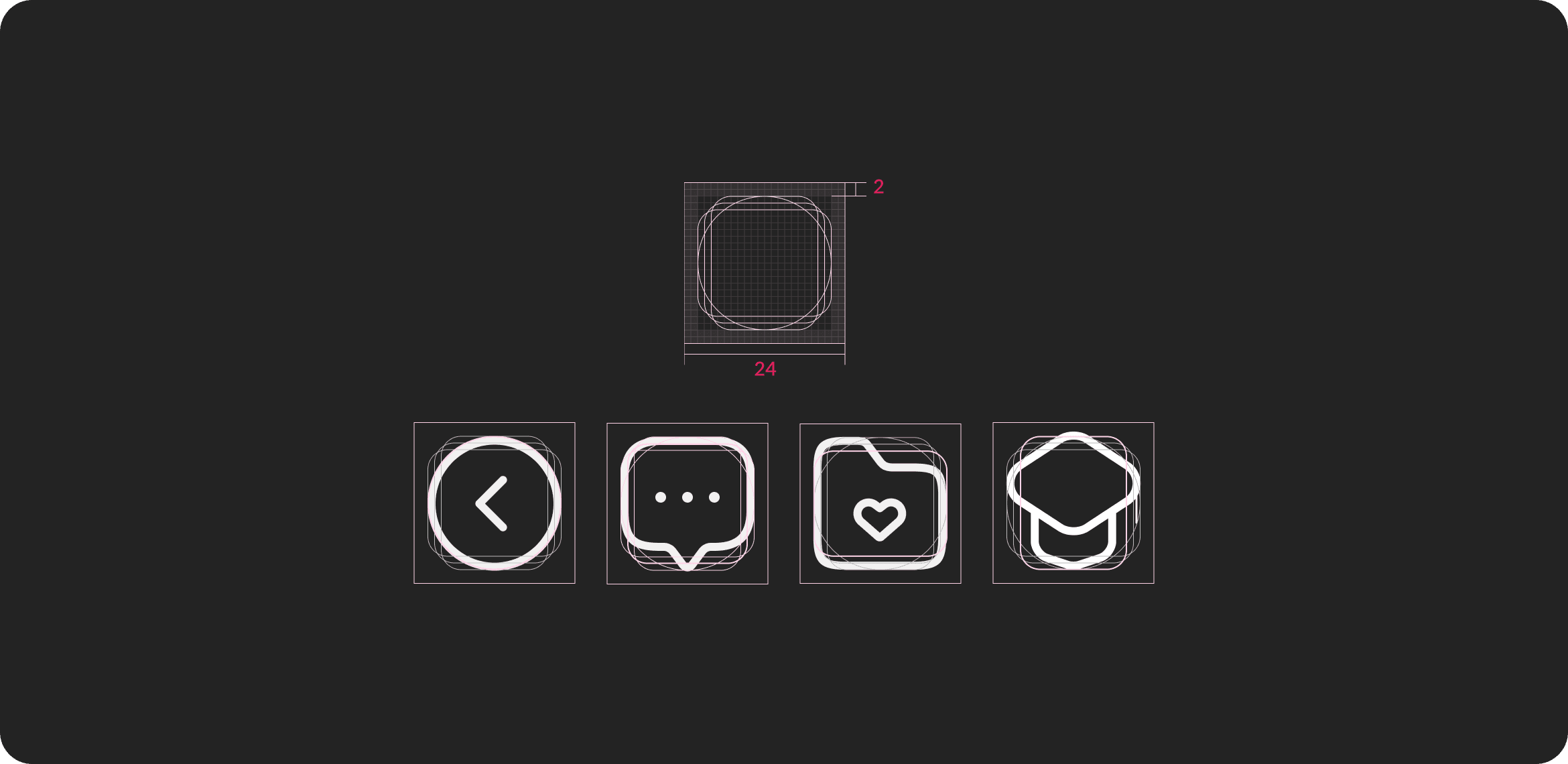
2. Define a clear grid & stroke rule
This is the backbone of your icon set.
Common choices:
Grid: 24×24
Stroke: 1.5px or 2px
Corner radius: consistent across all icons
Cap & join: round or square — pick one
📌 Rule of thumb:
One icon system = one stroke style.
Mixing stroke weights is the fastest way to make a set look “off,” even if each icon looks fine alone.
3. Decide what gets simplified (and what doesn’t)
Not everything should be literal.
Good icons:
Represent function, not decoration
Remove unnecessary details
Stay recognizable at small sizes
❌ Avoid:
Too many internal lines
Tiny details that disappear at 16px
Over-stylizing one icon while others stay simple
📌 Ask yourself:
“Can I recognize this icon at a glance?”
4. Design icons in context
Never design icons in isolation.
Always test them:
Inside buttons
Next to text
In active / disabled states
On light and dark backgrounds
📌 Important:
An icon that looks perfect on canvas may fail completely inside a real UI.
5. Name icons clearly (your future self will thank you)
Good naming saves time for everyone — especially devs.
Example:
icon-addicon-deleteicon-warningicon-arrow-right
❌ Avoid creative names like:
icon-magicicon-thing
📌 Think like a developer:
“How would someone search for this icon?”
6. Export rules: consistency over flexibility
Decide early:
SVG only? (Usually yes)
Stroke converted to outline or kept as stroke?
One file per icon or combined set?
📌 Tip:
If devs need to manually fix every SVG, your system isn’t done yet.
7. Common mistakes (I’ve made all of these)
Designing icons without knowing where they’ll be used
Mixing filled and outline styles
Letting one “special” icon break the rules
Ignoring how icons behave at small sizes
Forgetting hover / active / disabled states